How to Use the Hero Section Shortcode
To use the shortcode, go to the course or page where you’d like to add the hero section and click the eLearnCommerce icon in the editor. Then click Elements -> Hero Section.
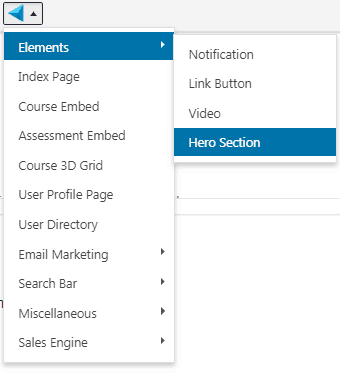
Clicking it will insert the following shortcode to your eLearnCommerce Text editor.
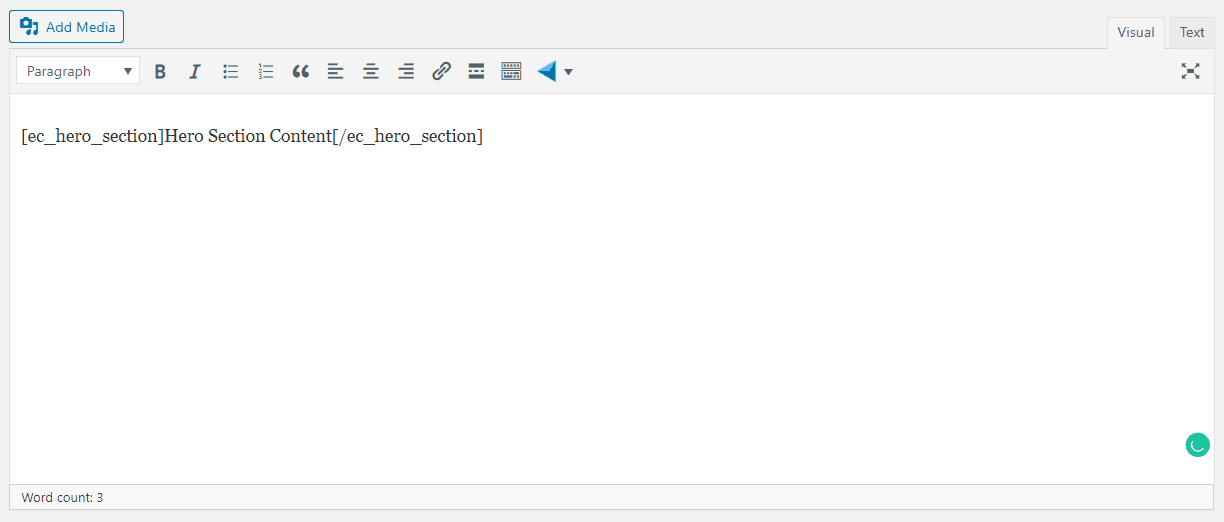
Let’s edit the Content of our Hero Section:

1.: This is a Header 2 text for the Hero Main Headline.
2.: This is a paragraph text for the Hero Body Content.
3.: This is the Link Button shortcode for the Hero Section Call-To-Action Button.
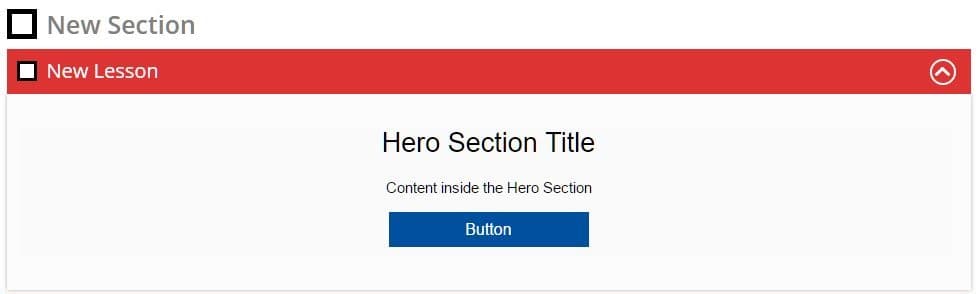
This is how it’ll look on the front end
To know more about eLearnCommerce’s Visual Shortcode Builder, click here.