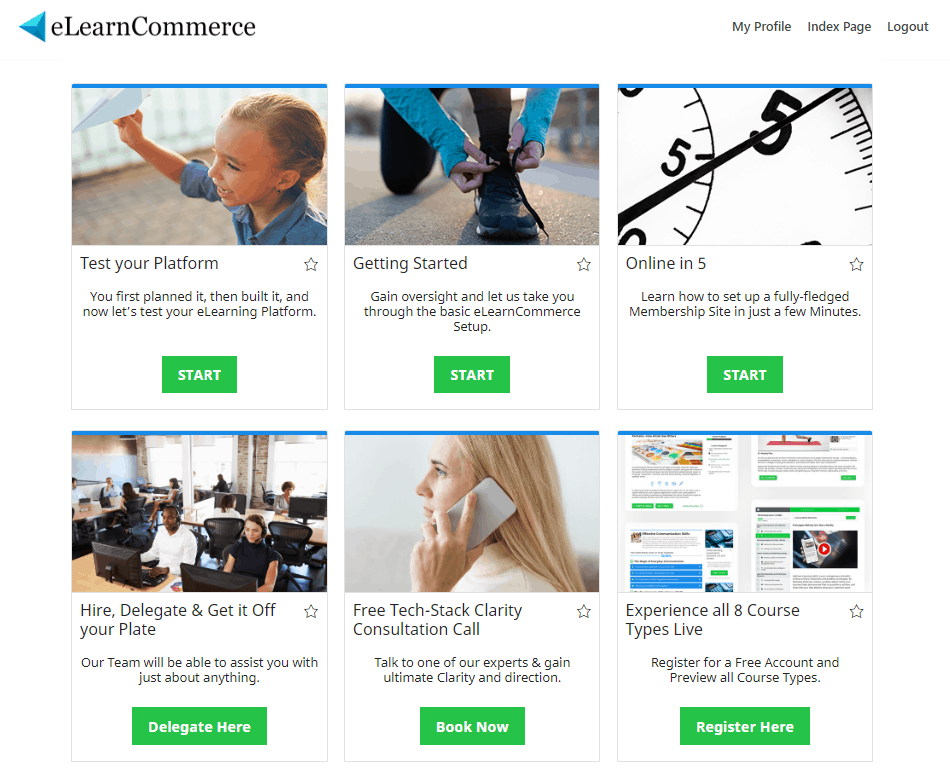
How To Create a Course List to Your Page
Easily Display a List of your Courses anywhere on your WordPress Site by disabling category navigation
Step 1 – On your eLearnCommerce Dashboard, click Pages then click Add New
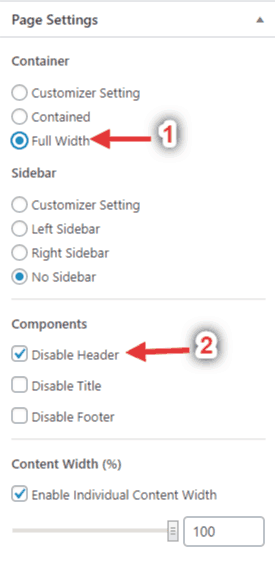
Step 2 – In Page Settings, select 1.: Full Width and 2.: Disable Header
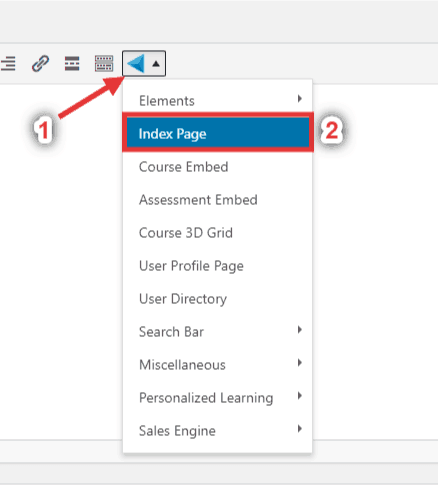
Step 3 – Create an Index Page
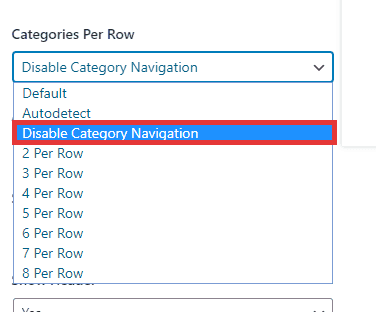
Step 4 – On the Categories Per Row Section, Select Disable Category Navigation
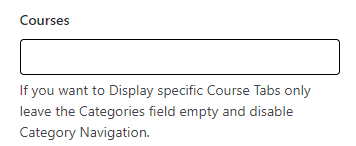
Step 5 – If you want to show a specific course only, add it here. If not, leave this empty
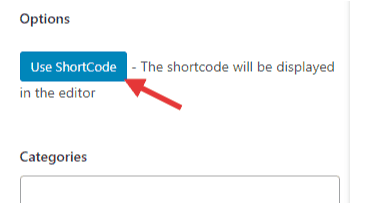
Step 6 – Use Short Code then Publish
Front End View